Companion apps for connected products

Your hardware is excellent.
Your app should be too.

We build and improve companion apps that make connected products straightforward to use — with the engineering to support new devices, firmware changes and long-term development.

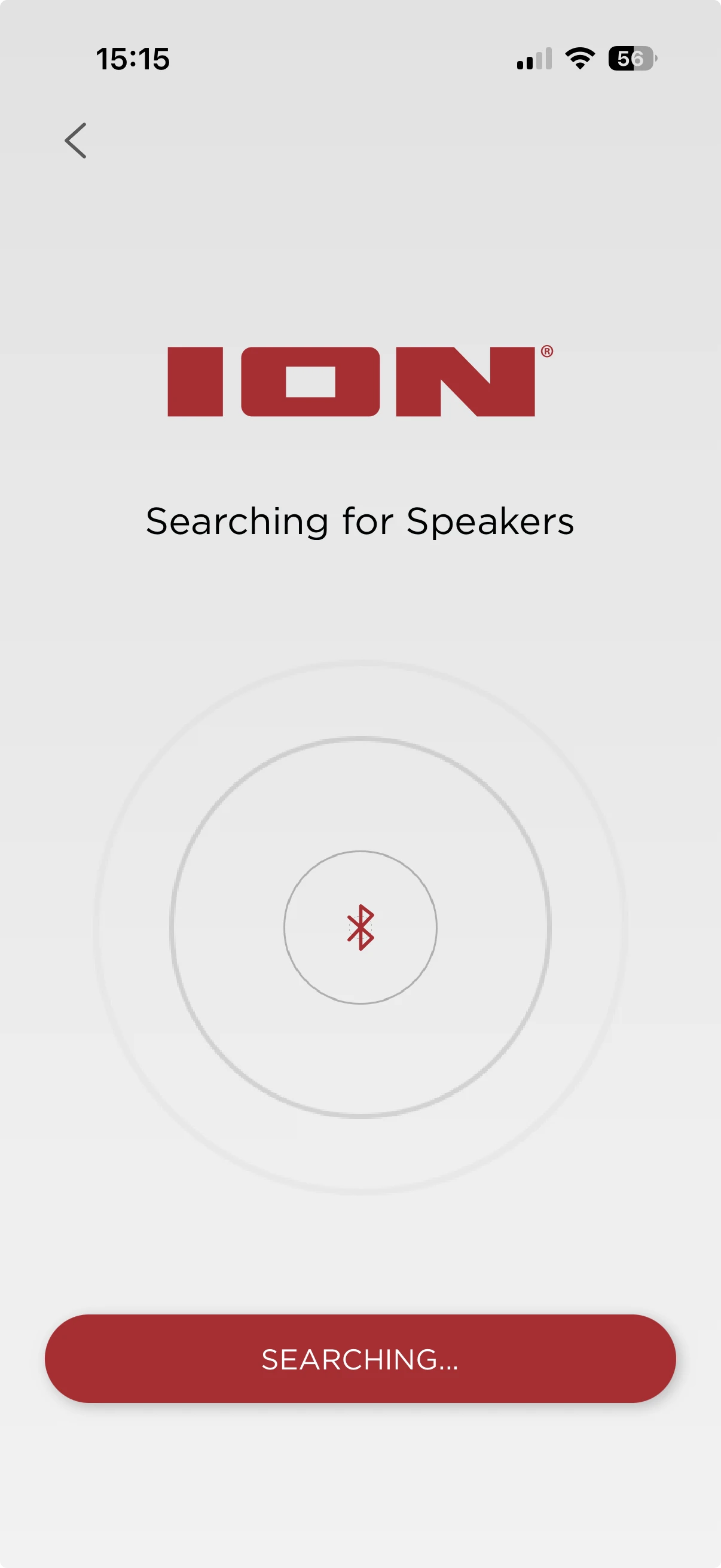
ION companion app screen showing a connected product
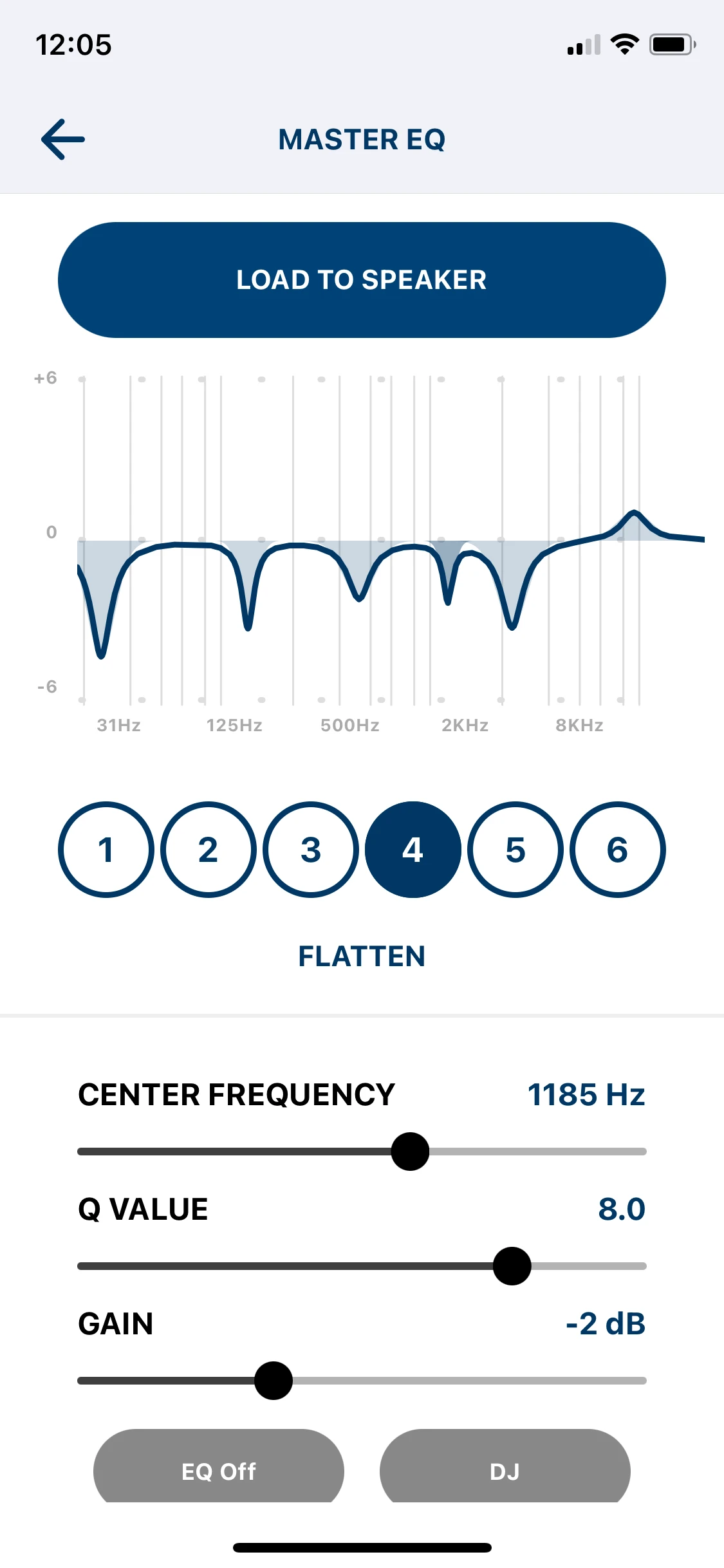
Alto Professional companion app control screen
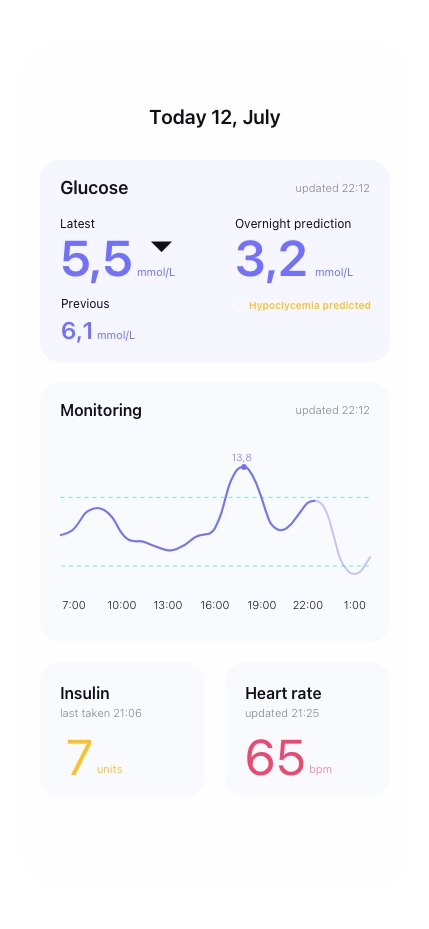
Bioloop companion app screen for a connected product
Users on a connected-device app
700k+
Speaker discoveries recorded
1.2m+
Active machines managed
30k+
Building production software
15+ years

The product experience

Make more of your product

Give customers a straightforward way to set up, control and understand their device. We design iOS and Android apps around the features of your hardware and the situations in which people use it.

Setup and connection

Guide customers through finding, connecting and getting started with their device.

Controls and configuration

Make the product’s useful features easy to access and adjust.

Status and feedback

Show useful information such as battery levels, device settings and readings.

Updates and new features

Provide a clear firmware-update experience and room for the product to develop after launch.

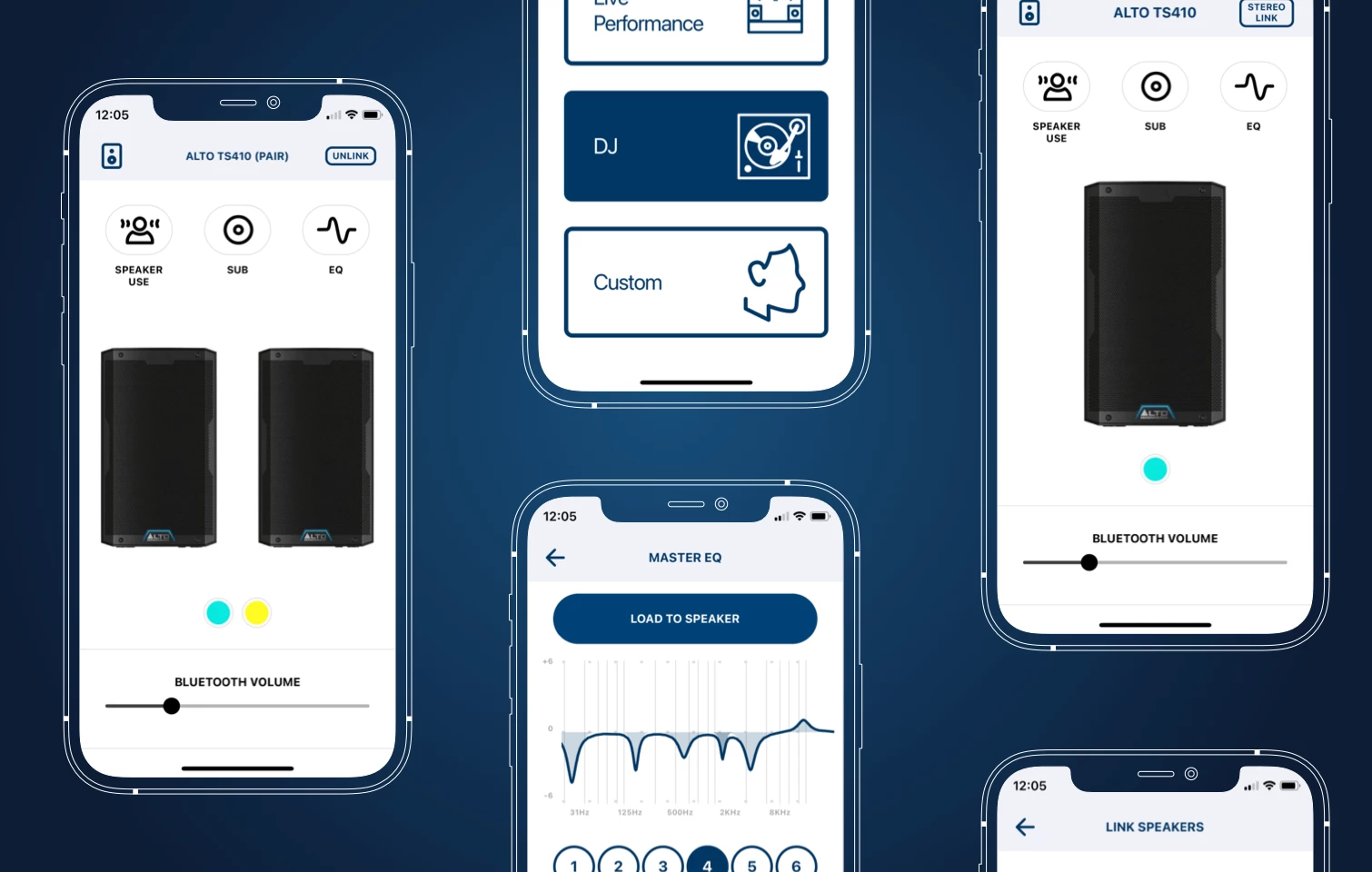
Alto Professional companion app screens

Our work · Alto Professional

Alto Professional

A companion app for professional loudspeakers

8

speaker models supported

5+

years of ongoing development

We’ve continued developing Alto Professional’s companion app as its speaker range has grown, adding support for new models and over-the-air firmware updates on selected speakers.

Working directly with the manufacturers, we’ve also helped standardise aspects of the firmware’s Bluetooth communication, making additional models easier to integrate.
Product ranges

Add new devices without starting again

We’ve helped established companion apps support growing device ranges, working with manufacturers and firmware teams around the world to agree and test how the app and hardware communicate.

A consistent specification makes subsequent models easier to integrate, while allowing for the features and behaviour that differ between devices.

Early integration

Confirm the integration before production

We check early firmware against the agreed app–device specification, working directly with your team and manufacturers. This helps identify integration issues while the product is still being developed, rather than discovering them close to production.

Agree the messages
Define the messages the app and firmware use to communicate.
Check device behaviour
Confirm how the device connects and behaves before production.
Validate firmware
Compare the firmware implementation with the agreed specification.
Resolve mismatches
Work through integration issues with your team as they appear.

After launch

Keep improving the experience

We continue developing companion apps as new devices, features and firmware arrive, and keep them working across iOS and Android updates. We can stay with an app we’ve built or take over an existing one.

Common connection issues we design for

  • Bluetooth isn’t enabled
  • The required permission hasn’t been granted
  • The device is connected for audio, but not for app control

We’ve encountered these situations repeatedly in real products. We build in the checks, states and guidance that help customers understand what’s happening and get connected.

The Azuki team smiling and gathered together, ready to build and collaborate with clients.

Ready when you are

Tell us about your product

Whether you’re planning a new connected product or looking after an existing app, we can talk through the product, the integration and the next stage of development.