Kiosk App Development
Software for self-service and dedicated kiosks
Build kiosk applications that are simple for customers to use and dependable enough to stay running in public and operational environments.
We develop Android kiosk software for check-in, self-service, ordering, registration, information and other dedicated-device experiences.
That includes the user-facing application, hardware integrations, backend systems and the less visible behaviour needed to operate reliably without constant staff intervention.
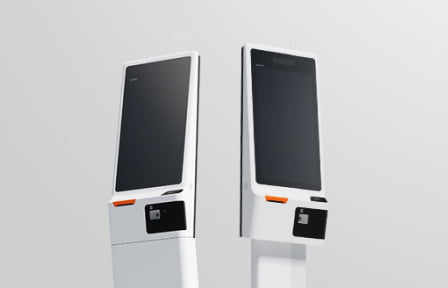
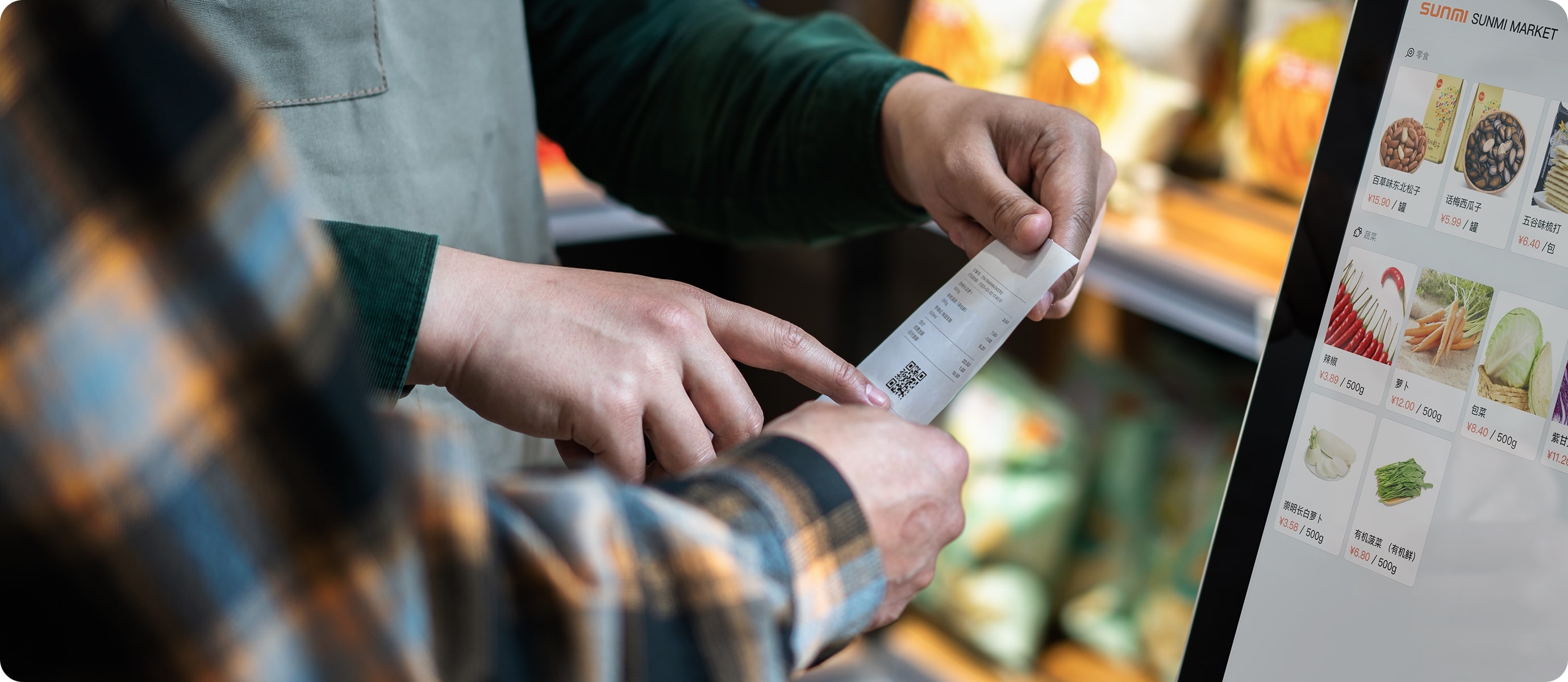
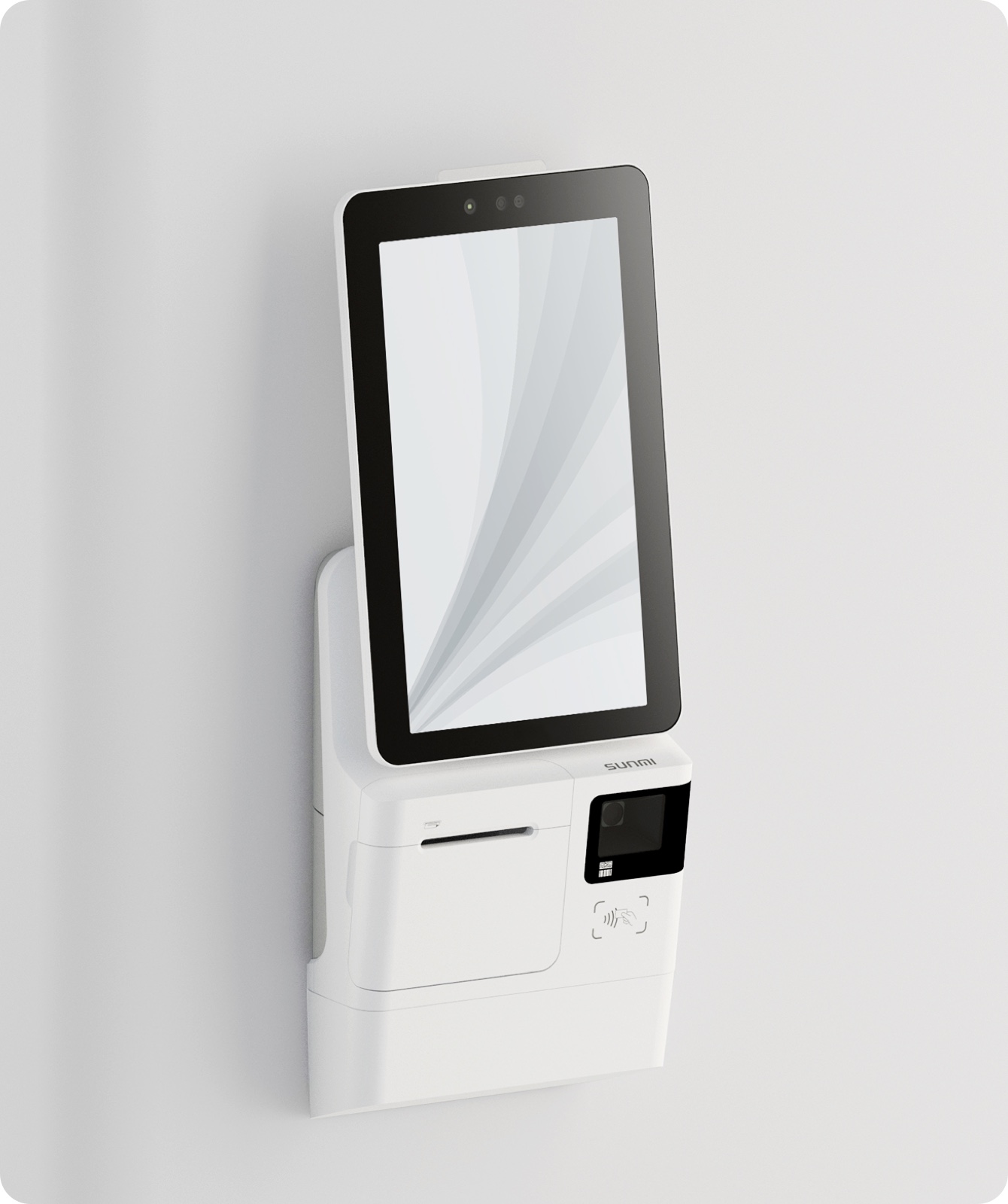
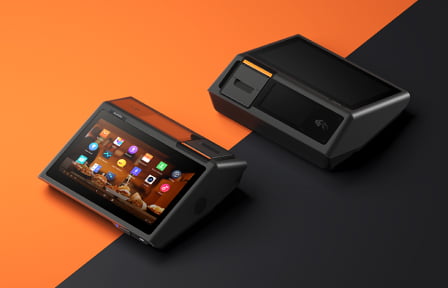
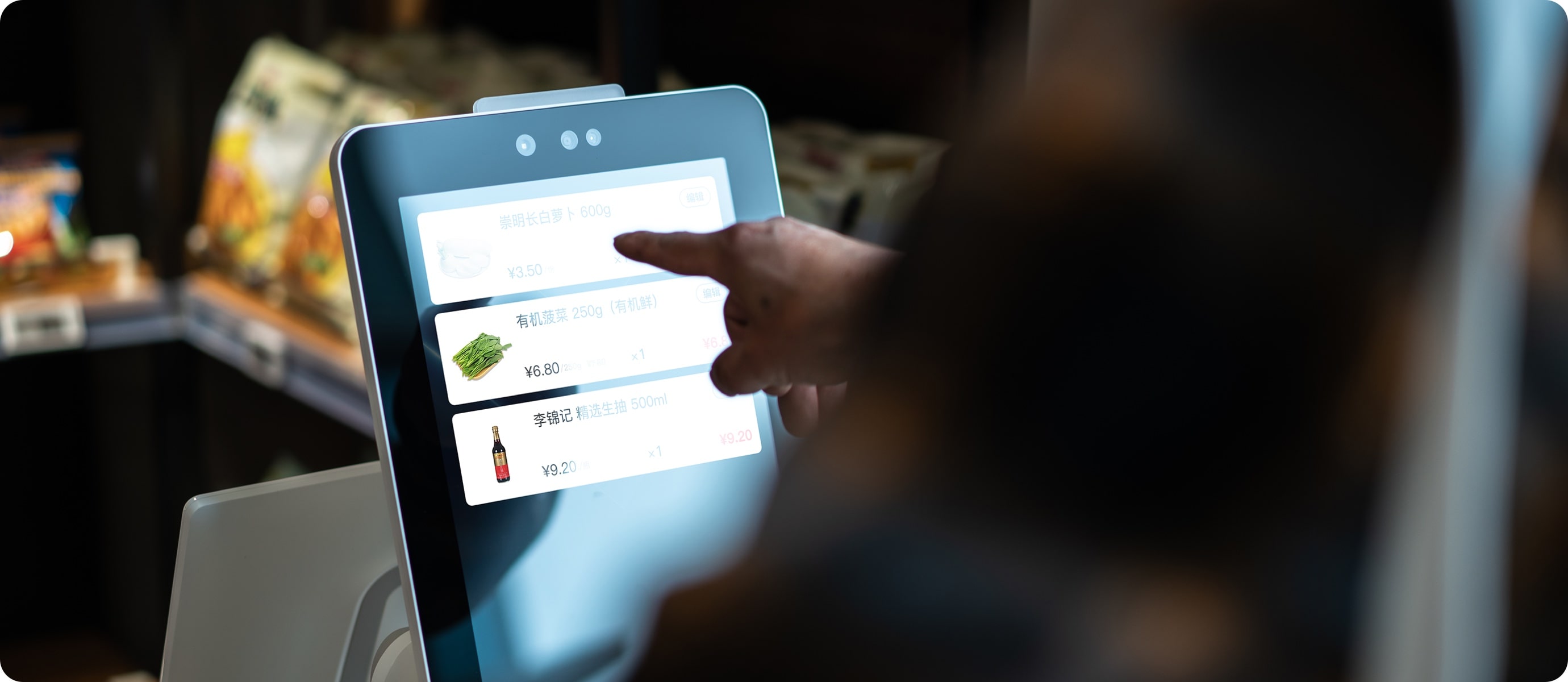
Kiosk Application Development
Built to operate as a dedicated product
A kiosk is not simply a website displayed full-screen.
Android's dedicated-device APIs provide mechanisms for locking devices to an allowlisted application or set of applications, making it suitable for controlled kiosk deployments.
The application needs to recover cleanly when something goes wrong, protect users from reaching parts of the operating system they should not access, handle inactivity and abandoned sessions, and interact predictably with scanners, printers, NFC readers and other hardware around it.
We combine those platform capabilities with application design, backend integration and operational thinking to build the complete system.
Where this is typically used
- Customer check-in
- Visitor registration
- Self-service ordering
- Event registration
- Ticketing
- Product or venue information
- Membership systems
- Internal operational terminals
- Retail self-service
- Dedicated touchscreen experiences
Looking at a wider range of dedicated Android devices? Explore Android & connected device development Building on SUNMI hardware? Explore SUNMI app development
Kiosk capabilities
What we build
Dedicated Android kiosk applications
Purpose-built interfaces designed for unattended or semi-attended devices rather than conventional personal mobile use.
Kiosk and lock-task configuration
Appropriate use of Android dedicated-device features to restrict access outside the intended application.
Peripheral integration
Connection to scanners, printers, NFC readers, cameras and other supported kiosk hardware.
Session and reset behaviour
Automatic timeout, session clearing and return-to-start behaviour so one user's activity does not affect the next.
Backend integrations
Connection with booking, CRM, membership, inventory, ordering, ticketing or bespoke operational systems.
Monitoring and ongoing support
Designing the product so deployed kiosks can be understood and maintained when failures occur rather than relying on somebody standing next to the device.
Designed for when nobody is there to fix it
Kiosks frequently operate without a developer, administrator or even a member of staff nearby.
That changes how software needs to behave.
A network request cannot leave the application permanently stuck. An abandoned session should reset. Hardware failures need understandable fallback behaviour. The operating system should not unexpectedly become visible to customers.
Android's dedicated-device guidance specifically caters for unattended devices such as kiosks, including device-policy controls and locked application experiences. We build those operational concerns into the product rather than treating them as deployment details.
Frequently asked questions
Can you lock an Android device to our kiosk app?
Yes. Android supports dedicated-device configurations where devices can be restricted to an approved application or set of applications using lock task mode. The exact deployment arrangement depends on how the devices will be provisioned and managed.
Can the kiosk automatically reset after each customer?
Yes. Session timeout and reset behaviour can be designed around the workflow so that abandoned or completed interactions return safely to an appropriate starting state.
Can you integrate barcode scanners, printers or NFC?
Yes, provided the selected hardware exposes suitable integration mechanisms. We can incorporate peripherals directly into the kiosk workflow.
Can a kiosk work when the internet connection drops?
Potentially. The appropriate behaviour depends on what the kiosk is doing. Some workflows can continue locally and synchronise later, while others fundamentally require a live backend connection. We design the failure behaviour accordingly.
Can you build the backend as well?
Yes. We can build both the kiosk application and the services behind it, or integrate the kiosk with an existing platform.
Can you develop software for a kiosk we have already selected?
Yes. Ideally we would review the hardware and its available APIs early, but we can develop around existing Android kiosk hardware where it supports the required functionality.
Can you support a fleet of deployed kiosks?
Yes. If the software is operationally important, we can remain involved through ongoing development and support rather than treating deployment as the end of the project.

Ready when you are
Planning a kiosk or self-service product?
We can help with the application, hardware integration and backend platform, then continue supporting the software once it is in real use.